Your iPad  is already a drawing tablet for your Mac.
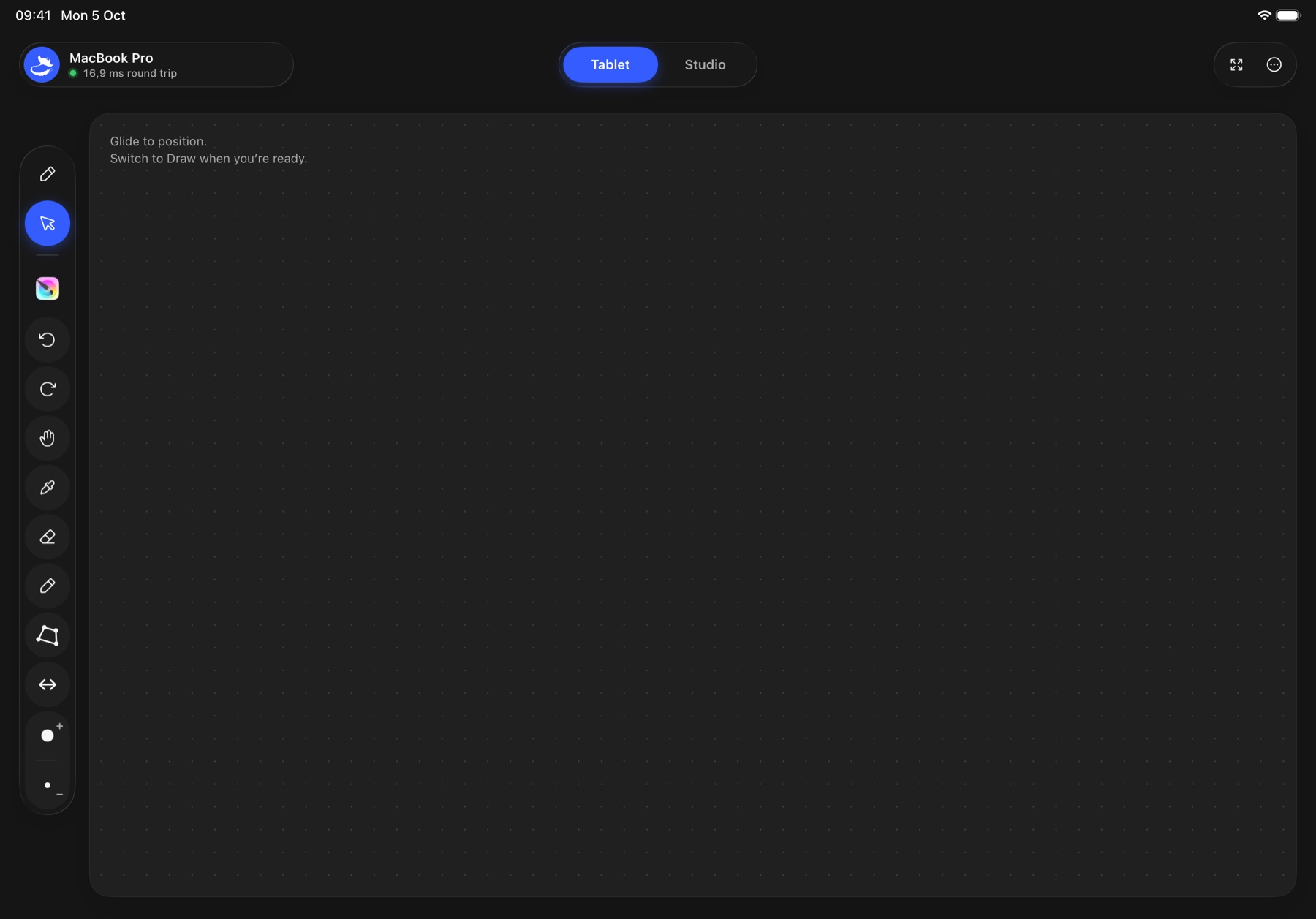
Look at your Mac. Draw on your iPad.
Switch to Draw when you’re ready.
Grab the iPad and draw.
Two ways to draw. One Pencil, your apps, your Mac.
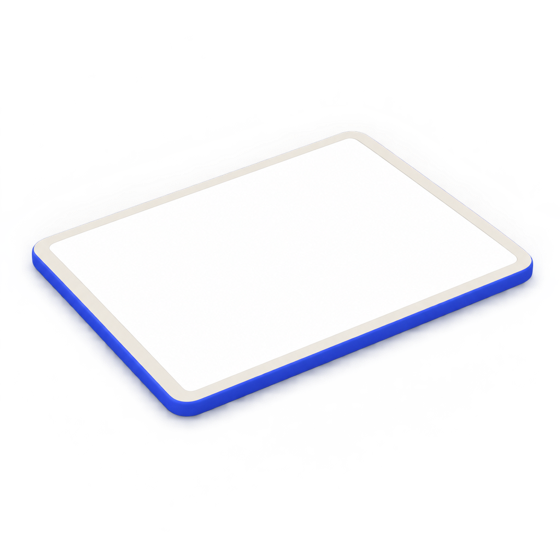 Tablet mode
Look at your Mac. Draw on your iPad.
Your iPad becomes a pressure-sensitive graphics tablet. Strokes land in whatever app is in front on your Mac, with your toolbar for that app right by your hand.
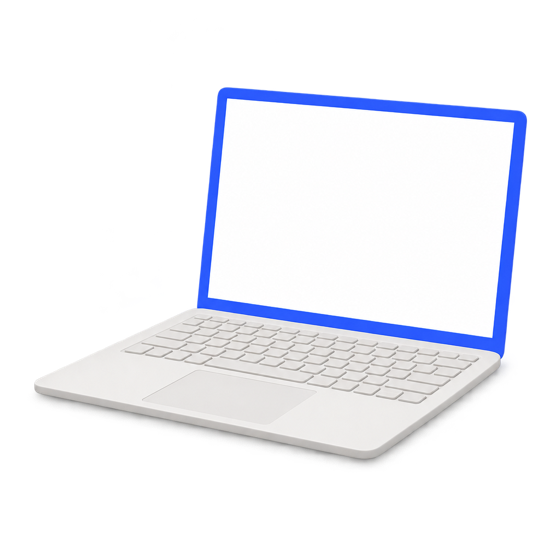 Studio mode
See your Mac on the iPad. Draw right on it.
Stream a whole display or just the window you pick, then zoom, pan and rotate it like paper. Your Mac stays exactly as it is.
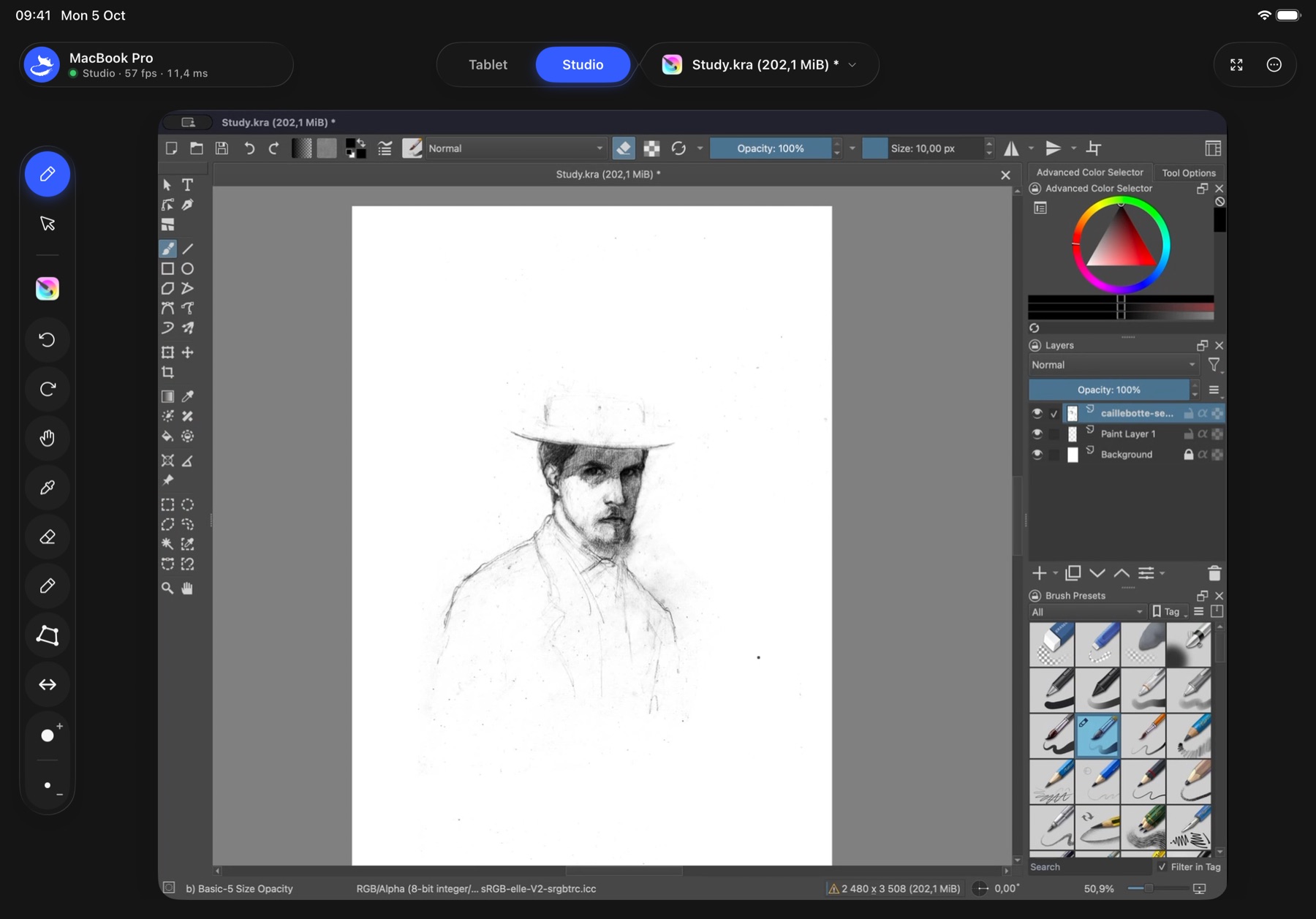
Studio shown with Krita. Artwork: Gustave Caillebotte, Self-Portrait with a Hat, Art Institute of Chicago (CC0).
Built for real work. Down to the details.
 Photoshop
 Krita
Krita Affinity
Your app’s shortcuts, right by your hand.
Mantapad sees which app is in front on your Mac and switches toolbars. Photoshop, Krita and Affinity come ready. Any other app starts with a safe Basic set. Arrange up to 16 keys, add commands straight from the app’s menus, or record a shortcut from your Mac keyboard.
Your hand, your curve.
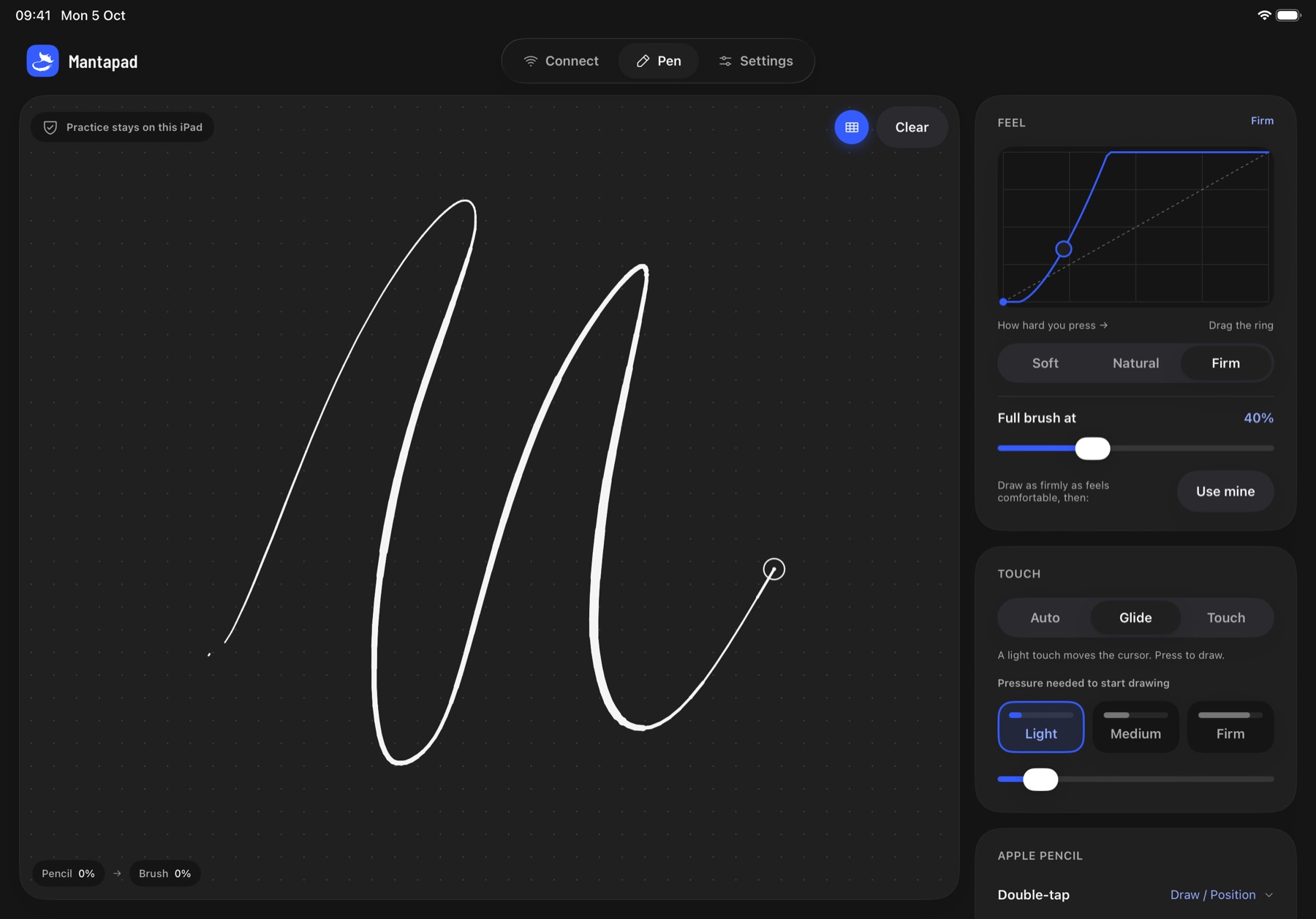
Pick Soft, Natural or Firm, drag the curve, or draw once and let Mantapad match your hand. Pressure and tilt reach your Mac app.
- Two-finger tapUndo
- Three-finger tapRedo
- Double-tapPer app
- SqueezePer app
Keep the Pencil in your hand.
Set what double-tap and squeeze do in each app: switch to the eraser in Krita, the colour picker in Photoshop.
Hover like a real tablet.
A light touch moves the cursor; press to draw. Set how firm “press” is, or keep Pencil always drawing.
Left or right, edge to edge.
Controls move away from your drawing hand. Go full screen for an uninterrupted surface.
Zoom, pan and rotate. Your Mac stays put.
Pinch into the detail and twist the canvas to your stroke, like turning paper. Only the iPad view moves, and Fit brings it back.
One window or the whole screen.
Choose from live previews of your displays and windows. Follow just the canvas you’re working in, and switch any time without disconnecting.
On your Mac, a quiet menu bar companion.
Everything at a glance
Which iPad is connected, its round trip, and what Studio is sharing. Stop sharing or pause the pen in one click.
Permissions, explained
If macOS still needs Accessibility or Screen Recording, the panel says which and why, and opens the right pane.
Remembered devices
Paired iPads reconnect by themselves. Forget one any time.
Keeps itself current
Signed, notarized updates. It asks before installing, and never sends anything about you.

Your drawings never leave your desk.
Your iPad and Mac talk directly over your own Wi-Fi, encrypted, after you approve them on both screens. No cloud, no relay, no account, no analytics. We couldn’t see your work if we wanted to.
- 0accounts or sign-ins
- 0data collected
- 2screens to approve a pairing
Pay once. Keep it.
 Mantapad
$29.99once
- Tablet and Studio mode
- Every feature, no tiers
- Free Mac companion and free updates
- Windows companion free when it ships
$80a year, every year
- Account required
- Features split across plans
- Stops working when you stop paying
Questions, answered.
What do I need?
An iPad that works with Apple Pencil (iPadOS 17 or later), an Apple Pencil, and a Mac (macOS 14 or later) running the free Mantapad companion, on the same local network.
What's the difference between Tablet and Studio mode?
In Tablet mode you look at your Mac and draw on the iPad, like a classic graphics tablet. In Studio mode your Mac streams its screen, or just the window you pick, to the iPad, so you draw directly on what you see.
Which drawing apps does it work with?
Any Mac app that accepts a mouse or tablet pen. Photoshop, Krita and Affinity get ready-made shortcut toolbars. Every other app starts with a safe Basic set you can change: add commands from the app's own menus, or record any shortcut from your Mac keyboard.
Does it support pressure and tilt?
Yes. Apple Pencil pressure and tilt reach your Mac app as tablet input. Tune the pressure curve on the Pen screen and try it on the practice canvas before a stroke counts.
Where does the Studio stream go?
Straight from your Mac to your iPad over your local network, encrypted. It isn't recorded, uploaded or sent to us. macOS asks for Screen Recording permission so the companion can capture the screen or window you choose.
Does it need the internet or an account?
No account, ever. Your iPad and Mac talk to each other directly over your Wi-Fi, even if that network has no internet. The only time the Mac companion goes online is to check this site for updates.
Can someone else on my network connect?
Only if you approve them on both devices. Pairing shows the same code on the iPad and the Mac, and both sides have to confirm.
How fast is it?
That depends on your Wi-Fi and your devices. The iPad shows the measured network round trip and, in Studio, the frame rate, so you always know.
How much does it cost?
Mantapad for iPad is a one-time purchase of $29.99 on the App Store. No subscription, no in-app purchases. The Mac companion is free, and so are updates.
How does the Mac companion update?
It checks mantapad.com for new versions and asks before installing. Every update is signed by us and notarized by Apple. You can also choose Check for Updates in the menu bar panel.
Can I try it before buying?
There's no trial. Check the requirements, and download the free Mac companion first to make sure your Mac is supported. If Mantapad doesn't work for you, you can request a refund from Apple at reportaproblem.apple.com.
Windows?
A free Windows companion is in the works, but not available at launch. Use “Get notified” in the download section and you’ll get one email when it’s out. If you already own Mantapad for iPad, it will work with it at no extra cost.
Buy once. Draw forever.
The iPad app is a one-time purchase. The companions are free.
Mantapad for iPad
$29.99once, no subscription
Coming soon to the App StoreiPadOS 17 or later, Apple Pencil
Questions? hello@mantapad.com